Config page
The Config page (G C) holds the defaults the whole app uses: which models the Workspace starts with, the base image size, where files are saved and which model rewrites your prompts. Saved settings apply from the next generation.
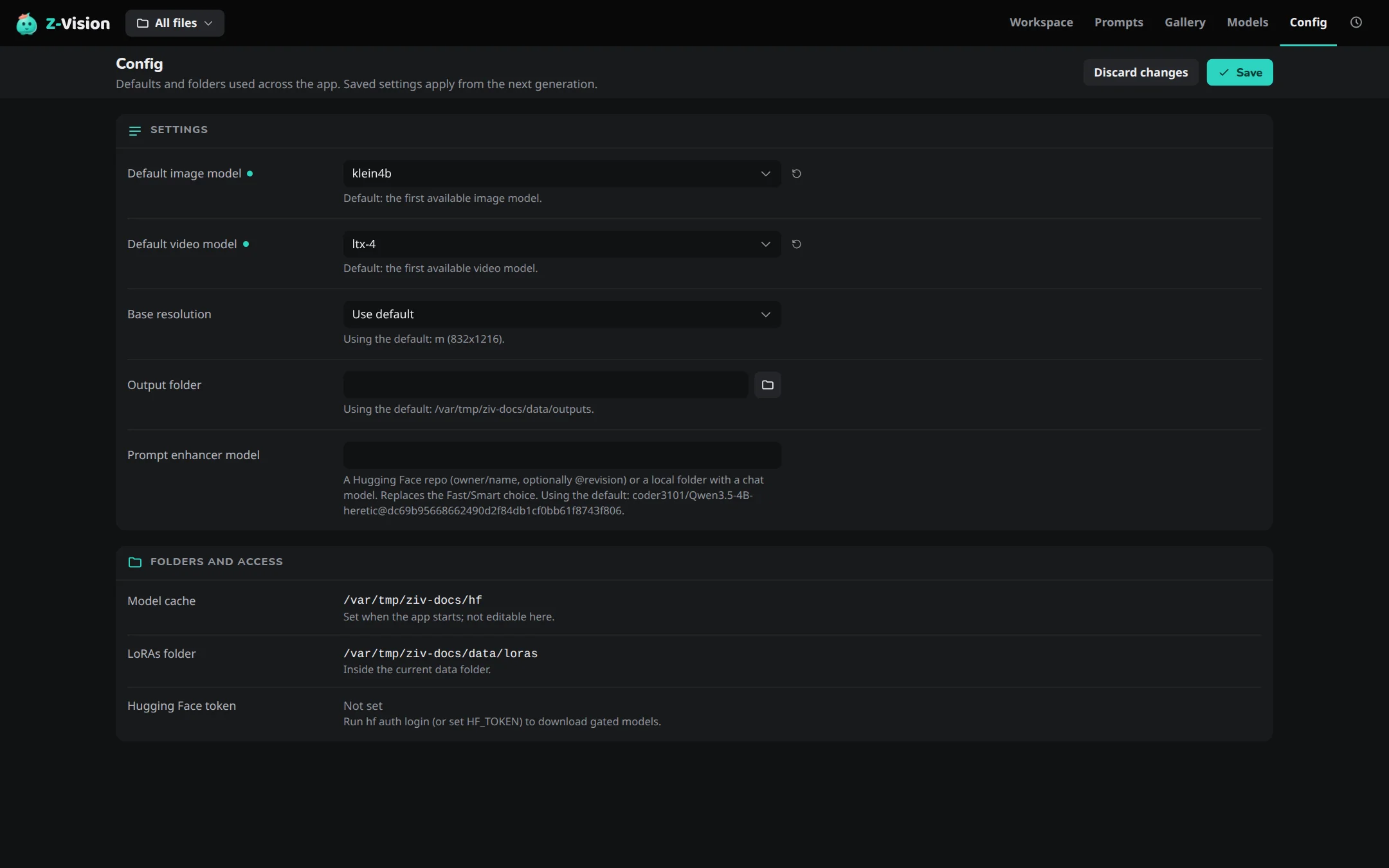
Settings
| Setting | Sets | When empty |
|---|---|---|
| Default image model | The model the Workspace starts with for images | The first available image model |
| Default video model | The model the Workspace starts with for video | The first available video model |
| Base resolution | The image size preset, such as m (832x1216) |
The app's base resolution, m |
| Output folder | Where images, videos and audio are saved. The folders directly under it are your projects | outputs in the data folder, which moves with ZIV_DATA_DIR |
| Prompt enhancer model | A Hugging Face repo (owner/name, optionally @revision) or a local folder with a chat model, used instead of Fast and Smart |
Fast or Smart, chosen in the Enhance popover |
Use default in each model and size menu clears the setting.
The settings are saved to config.yaml in the data folder, which also holds settings this page doesn't show. Comments in the file are kept. Every setting of the file is in Configuration. A file that can't be read is explained in Troubleshooting.
Folders and access
These are shown for reference and can't be changed here:
- Model cache: where Hugging Face downloads go,
~/.cache/huggingface/hubunlessHF_HOMEorHUGGINGFACE_HUB_CACHEsays otherwise when the app starts. - LoRAs folder:
lorasin the data folder. - Hugging Face token: whether a token was found, and where it comes from. Gated models need it. See Hugging Face token.
The Models page has a panel of its own, with the Models folder (models in the data folder) in place of the Model cache.